Installation
Installation#
Basalt is available to install via Homebrew, Cargo, aqua and as pre-compiled binaries from GitHub releases.
Homebrew#
brew install erikjuhani/tap/basalt
Cargo#
cargo install basalt-tui
[!NOTE]
Building from source needs a C compiler. Basalt's syntax highlighting uses tree-sitter, which compiles a small C grammar per supported language.
aqua#
aqua g -i erikjuhani/basalt
Pre-compiled binaries#
Download the appropriate archive for your system and architecture from GitHub releases, extract it and move the basalt binary to a location in your PATH.
Nightly builds#
Nightly builds track the latest main commit. They are unstable and meant for testing. The nightly release always holds the newest build. A downloaded nightly binary reports a -nightly suffix in basalt --version. A build from source reports the commit hash instead.
Homebrew#
Build the latest main from source:
brew install --HEAD erikjuhani/tap/basalt
Cargo#
Build the latest main from source:
cargo install --git https://github.com/erikjuhani/basalt --branch main basalt-tui
Pre-compiled nightly binaries#
Download the archive for your system and architecture from the nightly release, extract it and move the basalt binary to a location in your PATH.
Starting Basalt#
Once installed, launch basalt from your terminal:
basalt
Basalt opens in the splash screen, showing a list of your Obsidian vaults discovered automatically from Obsidian's configuration. Use j/k or arrow keys to navigate and Enter to open a vault.
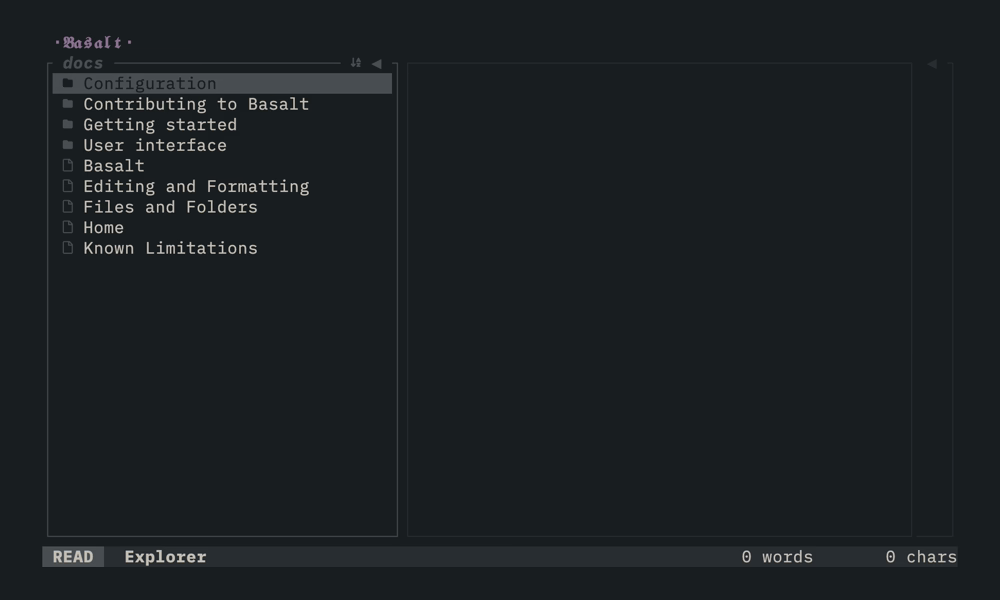
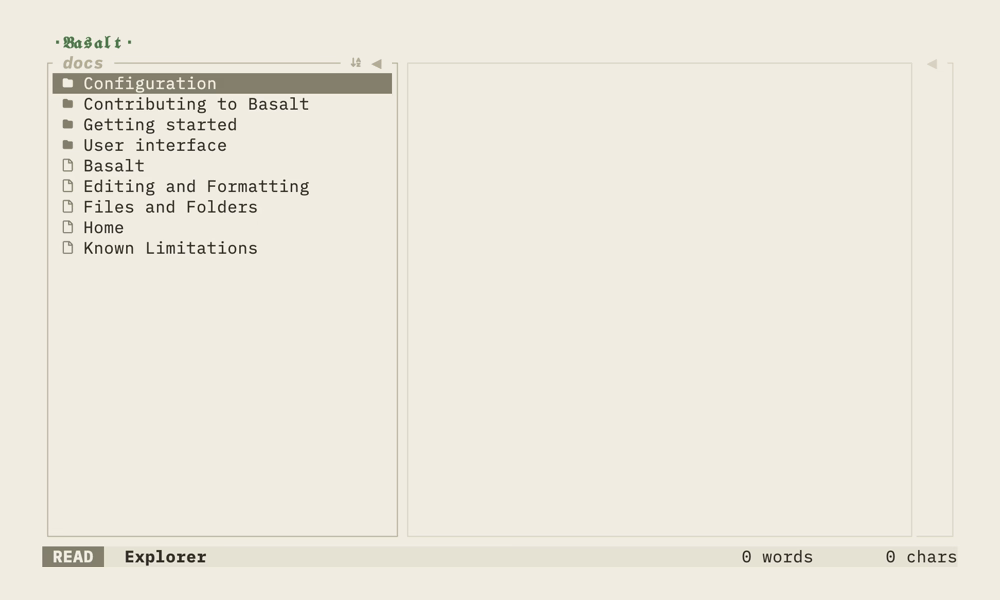
Basalt can also open a single markdown file. Pass the file path to skip the vault and open the file directly:
basalt path/to/note.md
See Files and Folders for how single-file mode works.
Navigating a vault#
Once inside a vault, the interface is divided into three panes:
- Explorer on the left: browse folders and notes
- Note editor in the center: view the selected note with rendered markdown
- Outline on the right: navigate headings in the current note
Use Tab and Shift+Tab to move focus between panes. The status bar at the bottom shows which pane is active.
Opening a note#
In the Explorer, use j/k or arrow keys to move through the file list. Press Enter to open a note in the Note editor.
Each open note gets its own tab in the bar along the top, keeping its cursor and scroll position. Cycle tabs with Ctrl+n/Ctrl+p and close the active one with Ctrl+w.
Switching vaults#
Press Space then v to open the vault selector and switch to a different vault.
Getting help#
Press ? to open the help modal. It shows the available key mappings for the currently active pane.
Quitting#
Press q to exit.
For more on the interface, see User interface. To edit notes rather than just read them, see Editor (experimental).