USER INTERFACE
Note editor
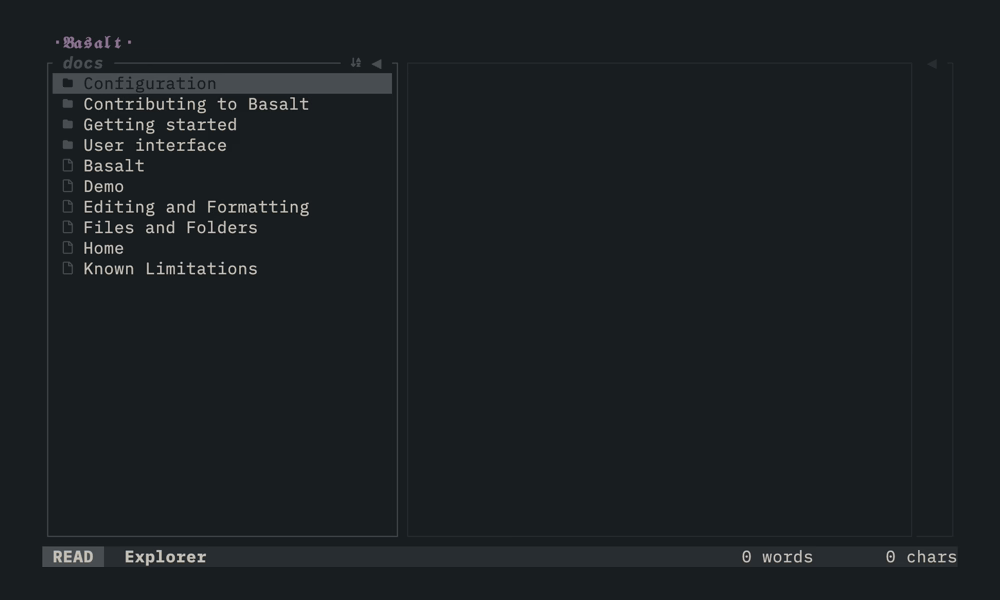
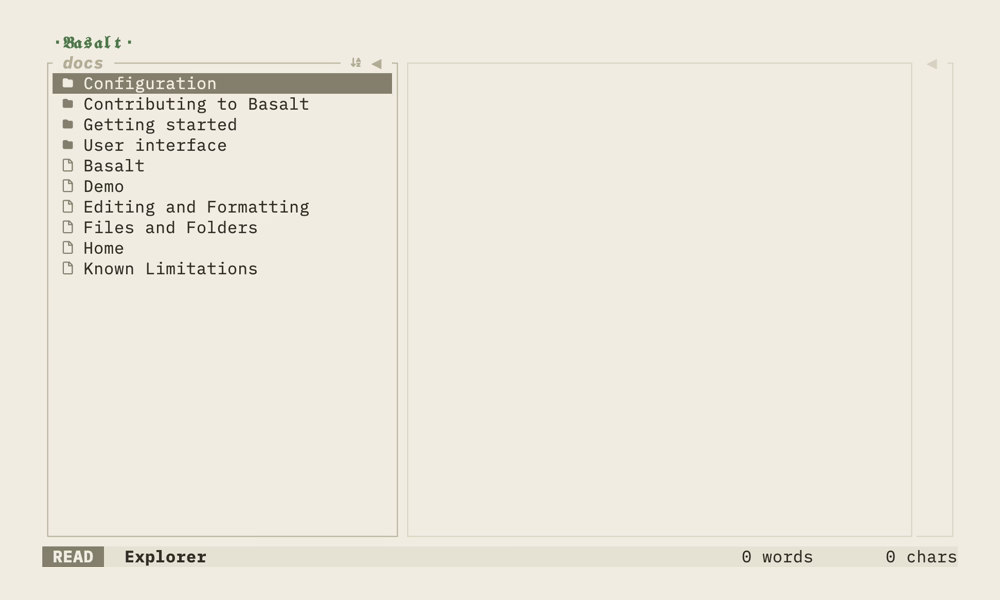
The Note editor is the main pane in the center of the interface. It displays the selected note with rendered markdown, including headings, lists, code blocks and other elements.
Use j/k or arrow keys to scroll through the note. You can scroll faster with Ctrl+U and Ctrl+D for half-page jumps.
Key mappings#
| Mapping | Description |
|---|---|
j / ↓ | Move cursor down |
k / ↑ | Move cursor up |
t | Toggle explorer pane |
Tab | Switch to next pane |
Shift+Tab | Switch to previous pane |
Ctrl+B | Toggle explorer pane |
Ctrl+O | Toggle outline pane |
Ctrl+U | Scroll up half page |
Ctrl+D | Scroll down half page |
Ctrl+Shift+↑ | Jump to top of note |
Ctrl+Shift+↓ | Jump to bottom of note |
gk / gj | Move up / down one visible row |
Enter / gd | Follow the link under the cursor |
j and k move by whole line, so a soft-wrapped line counts once. gk and gj move by visible row instead.
Following a wiki-link opens the note it names and creates that note when it does not exist. Following a plain URL opens your browser.
For text editing capabilities, see Editor (experimental).