Editor (experimental)
[!WARNING]
The editor is experimental and subject to change. It is built from scratch with limited capabilities. More features will be added incrementally.
Basalt opens notes read-only by default. Enable the built-in editor in your Configuration file:
[note_editor]
experimental = true
Views#
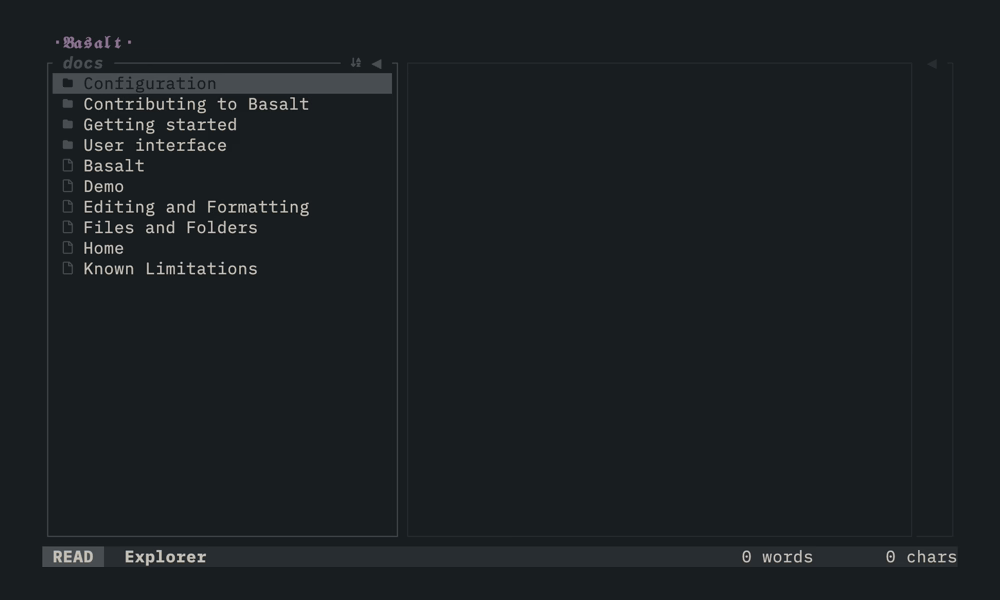
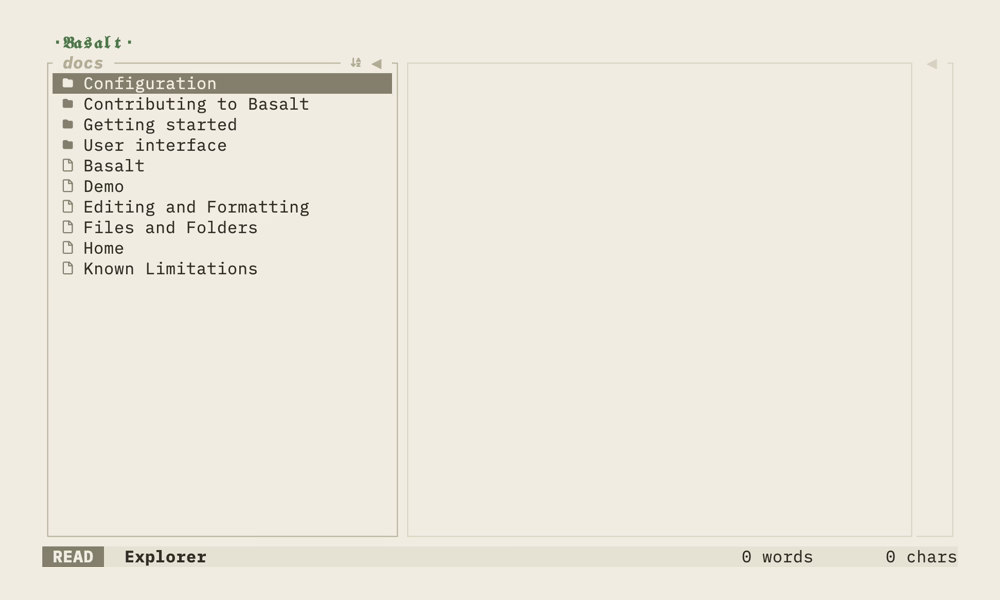
Basalt follows Obsidian's view model with a read view and an edit view. The current view is shown as a label in the corner of the Note editor pane.
| View | Label | What it does |
|---|---|---|
| Read | READ | Renders the note without markdown syntax |
| Edit | EDIT | Reveals raw markdown on the line under the cursor and accepts typing |
Only the line under the cursor shows its raw markdown. Every other line stays rendered while you type.
Read view#
Read view uses the [note_editor] key bindings, so it is fully configurable. These are the defaults:
| Mapping | Description |
|---|---|
j / ↓ | Move cursor down |
k / ↑ | Move cursor up |
Ctrl+D | Scroll down half a page |
Ctrl+U | Scroll up half a page |
Ctrl+Shift+↓ | Jump to bottom of note |
Ctrl+Shift+↑ | Jump to top of note |
i | Switch to edit view |
Ctrl+E | Toggle to edit view |
Ctrl+X | Save the note |
Edit view#
[!WARNING]
Edit view key mappings are hardcoded and cannot be configured. Every key not in the table below is inserted as text, so
Ctrl+Xtypes anxrather than saving. Leave edit view withEscorCtrl+Ebefore saving.
| Mapping | Description |
|---|---|
Backspace | Delete one character before cursor |
Enter | Insert newline |
→ / ← | Move cursor forward / backward |
↑ / ↓ | Move cursor up / down |
Alt+f | Move cursor forward by word |
Alt+b | Move cursor backward by word |
Ctrl+E | Return to read view |
Esc | Return to read view |
Vim mode#
Set vim_mode = true in [note_editor]. The edit view then gains Normal and Insert sub-modes, and the mode label shows NORMAL, INSERT, VISUAL or V-LINE.
ifromNORMALentersINSERT, where the hardcoded mappings above applyEscfromINSERTreturns toNORMAL, where the configurable[note_editor]bindings apply againEscfromNORMALreturns toREAD
NORMAL is a configurable mode, so Ctrl+X saves there. It also carries the full vim preset: motions, operators, registers, undo and redo. See Configuration for the complete list.
Saving#
Ctrl+X saves the note to disk and shows a confirmation toast. It works from read view and from Normal mode in vim mode, but not while typing in edit view.
Limitations#
The edit view edits the whole note line by line. With vim mode it also supports motions, operators (delete, change, yank, paste), visual (line and block) selection, undo/redo and jumps to the start and end of the line and document.
- Pasting images from the clipboard is not supported
See Known Limitations for the full list.