Files and Folders
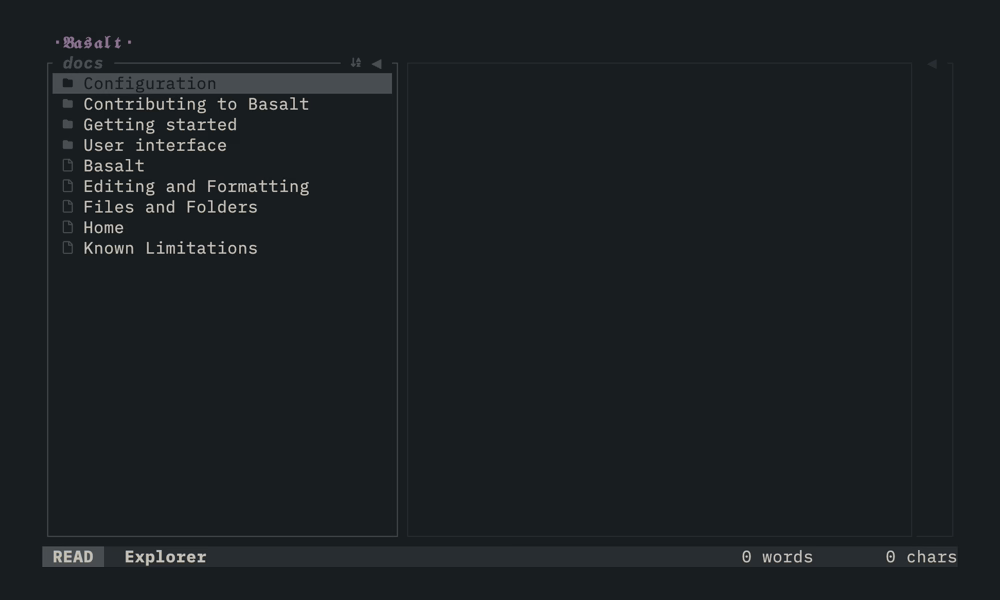
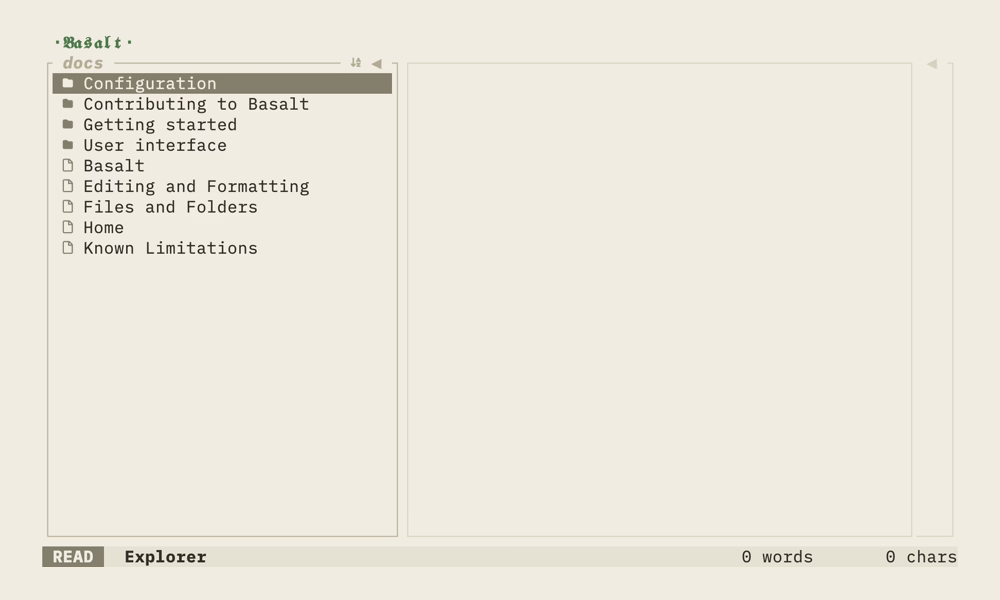
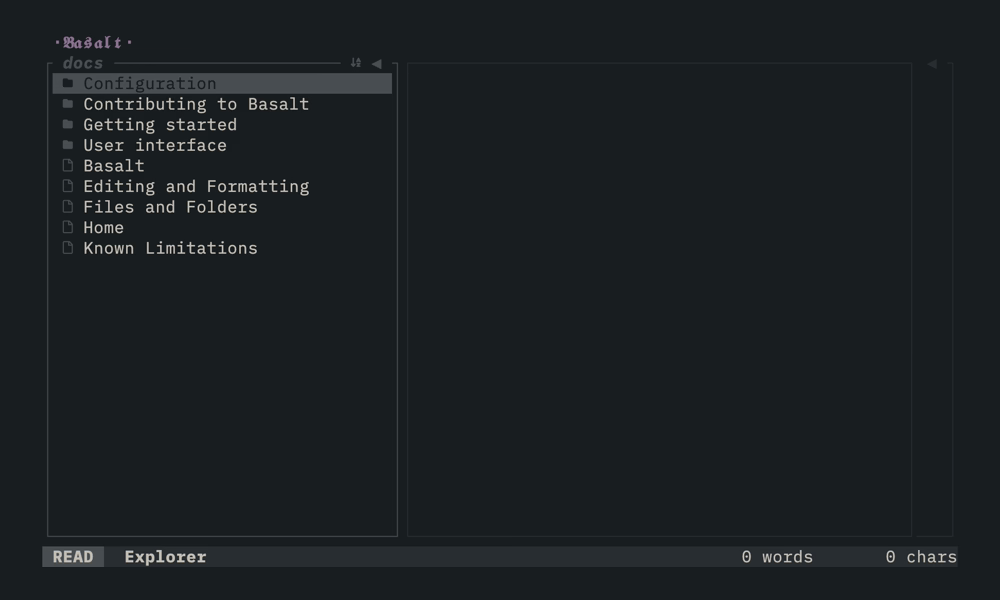
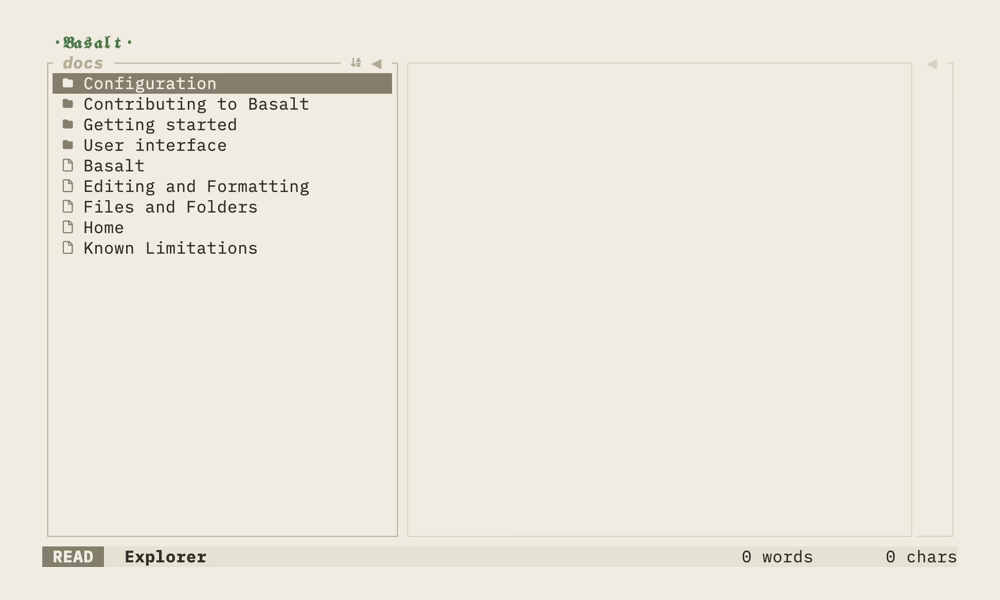
Basalt works with your existing Obsidian vaults, displaying notes and folders in the Explorer pane.
Vault detection#
Basalt automatically detects Obsidian vaults by reading Obsidian's configuration file:
- macOS:
~/Library/Application Support/obsidian/obsidian.json - Windows:
%APPDATA%\Obsidian\obsidian.json - Linux:
~/.config/obsidian/obsidian.json - Linux (Flatpak):
~/.var/app/md.obsidian.Obsidian/config/obsidian/obsidian.json - Linux (Snap):
~/snap/obsidian/current/.config/obsidian/obsidian.json
You can override the configuration directory by setting the OBSIDIAN_CONFIG_DIR environment variable.
Switching vaults#
Press Space then v to open the vault selector and switch between vaults.
File types#
- Notes: Files with
.mdextension - Folders: Directories containing notes or other folders
Hidden files and folders (names starting with .) are not displayed.
Sorting#
Press s in the Explorer to toggle between ascending and descending sort order. Folders always appear before files.
Creating#
Press n in the Explorer to create a new untitled note, or N to create a new untitled folder. The new item is created under the currently selected folder, or under the parent folder of the currently selected note. If nothing is selected, it is created at the vault root. The target folder is expanded and the newly created item is automatically selected in the explorer after creation.
Renaming#
Select an item in the Explorer and press r to open the rename dialog. Modify the name and press Enter to confirm or Esc to cancel.
When renaming a note, all wiki-links referencing that note are automatically updated throughout the vault.
Opening a single file#
You can open one markdown file without a vault. Pass the file path to Basalt:
basalt path/to/note.md
Basalt opens the file in a focused view with only the Note editor and the Outline. This view has no Explorer pane. Press Tab and Shift+Tab to move focus between the editor and the outline.
If the file does not exist, Basalt creates it as an empty file. A file path takes precedence over any vault.
To return to a vault, press Space then v and select a vault. The Explorer then appears.
Current limitations#
The following file operations are not yet supported:
- Deleting notes or folders
- Moving notes or folders
- Copying notes or folders