Editing and Formatting
Basalt renders markdown by replacing syntax characters with visual styling. Heading # symbols are hidden and replaced with colored indicators, and block quotes display with a vertical bar instead of > characters.
Basalt supports CommonMark and GitHub Flavored Markdown (GFM) elements through the pulldown_cmark parser.
Headings#
All heading levels (H1-H6) are supported with visual indicators:
# Heading 1
## Heading 2
### Heading 3
#### Heading 4
##### Heading 5
###### Heading 6
Text content#
- Paragraphs: Regular text content
- Block quotes: Rendered with a vertical bar indicator
- Inline code: Rendered with code styling
Lists#
Both ordered and unordered lists are supported:
- Unordered item
- Another item

1. First item
2. Second item
Task lists#
Checkbox items are rendered with visual indicators:
- [ ] Unchecked task
- [x] Completed task
Tables#
GitHub Flavored Markdown tables are rendered as bordered boxes. Columns size to their content and share any spare width in proportion to each column when the table is too wide to fit, and long cell text wraps to fit the column:
| Feature  | Status | Notes                                  |
| :------- | :----: | -------------------------------------- |
| Borders  | done   | Columns size to their content          |
| Wrapping | done   | Long cell text wraps to fit the column |
While editing, the table stays rendered and only the row under the cursor reveals its raw markdown. If the table syntax breaks the whole block falls back to raw text so it stays visible and editable.
Code blocks#
Fenced code blocks are rendered with a distinct background. When the fence names a language, the code gets syntax highlighting:
```rust
fn main() {
    println!("Hello, world!");
}
```
The language is the first word after the opening fence, as a name (rust, python) or a file extension (rs, py). Basalt highlights Rust, TOML, JSON, Bash, JavaScript, TypeScript, Python, Go, YAML and C. A fence without a language, or with a language outside this list, renders as plain code. The token colours come from the [syntax] table of the active theme.
Callouts#
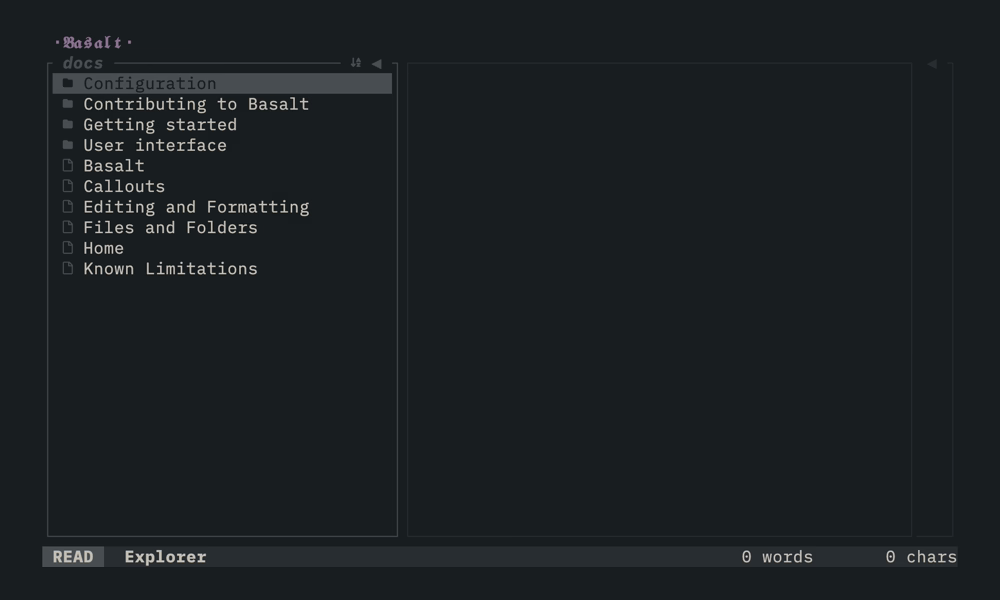
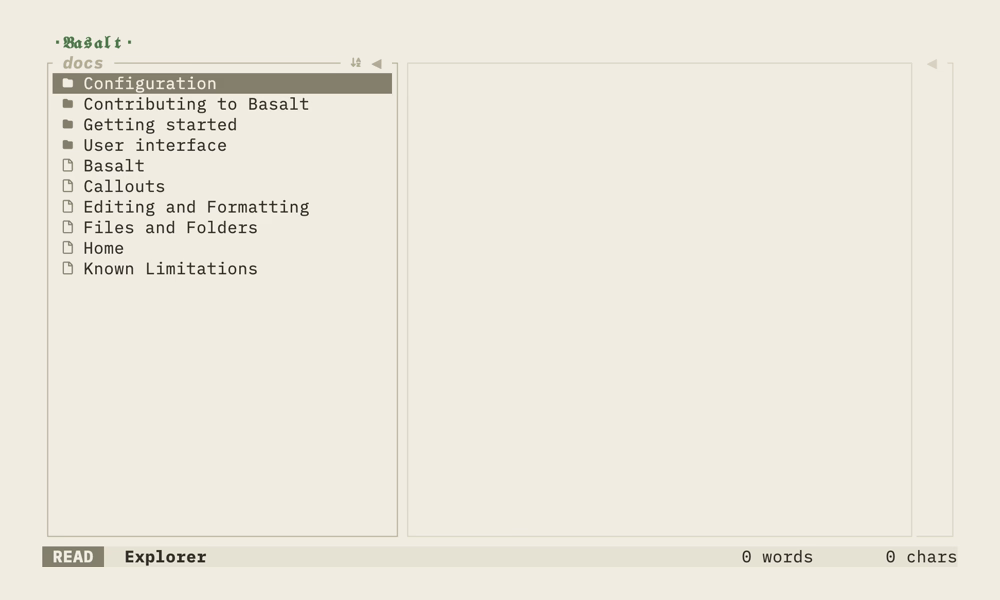
Callout blocks are rendered with an icon and a coloured label header above the
body. A custom title and Obsidian's fold markers (-/+) are supported:
> [!NOTE]
> This is a note callout.

> [!tip] Custom title
> Callouts can have a custom title.

> [!warning]- Foldable
> The `-`/`+` fold markers are accepted (folding itself is not yet interactive).
All Obsidian callout types are recognized (case-insensitive), including their
aliases; unknown types fall back to note:
| Type | Aliases |
|---|---|
note | |
abstract | summary, tldr |
info | |
todo | |
tip | hint, important |
success | check, done |
question | help, faq |
warning | caution, attention |
failure | fail, missing |
danger | error |
bug | |
example | |
quote | cite |
The icons follow the active symbol preset and can be
overridden per type (callout_note, callout_abstract, …).
Links#
Wiki-links and standard markdown links are parsed:
[[Another Note]]
[[Note|Display Text]]
[[Note#Heading]]
[External Link](https://example.com)
Text styling#
While Basalt parses bold, italic and strikethrough syntax, these styles are not yet rendered visually in the terminal:
**bold text**      (parsed but not styled)
*italic text*      (parsed but not styled)
~~strikethrough~~  (parsed but not styled)
Editing notes#
By default, Basalt opens notes in read-only mode. To edit notes, you can either configure an external editor or enable the built-in experimental editor.
External editor#
Configure an external editor command in your Configuration:
[global]
key_bindings = [
  { key = "<leader>e", command = "exec:vi %note_path" },
]
Experimental editor#
Enable the built-in experimental editor in your configuration:
[note_editor]
experimental = true
See Editor (experimental) for details on the built-in editing capabilities and its limitations.